Why prompt quality matters
According to Anthropic, the team behind Claude, the latest Claude models respond best to prompts that are clear, specific and well structured. That matters for organisations across Samoa and the Pacific because the quality of the instruction often shapes the quality of the output, whether the task is drafting a report, summarising a policy document, supporting students, or helping a business team prepare customer-facing content.
The main lesson is straightforward: treat the model like a capable colleague who still needs context. If the task is vague, the result is more likely to be vague as well. If the task is precise, the model is better able to produce a useful, consistent answer.
Start with clear instructions
One of the strongest recommendations in the guide is to be direct about what you want. Instead of hoping the model will infer your preferred style, format or level of detail, say so explicitly. This is especially useful when you want a particular output structure, such as a summary, a table, a step-by-step plan or a polished email draft.
For professional users, this can reduce back-and-forth and save time. For educators and students, it can help shape outputs to match lesson notes, assignments or revision material. For government teams, it can support more consistent drafting when preparing internal communications or public information.
The guide also suggests using numbered steps or bullet points when the order of tasks matters. That approach can make prompts easier to follow and reduce the chance of missing a requirement.
Add context to improve relevance
Anthropic notes that context and motivation can improve performance. In practice, this means explaining why the task matters, not just what the task is. A prompt that includes purpose is often easier for Claude to interpret correctly.
For example, a business might explain that a summary is needed for a board meeting, while a school might note that content should suit secondary-level learners. A government agency may want the output aligned with public communication standards. That extra detail helps the model choose a tone and level of formality that fits the situation.
This is particularly valuable in Samoa and the wider Pacific, where organisations often serve diverse audiences and need responses that are practical, respectful and easy to understand.
Use examples to guide style and structure
The documentation highlights examples as one of the most reliable ways to steer output. Rather than relying only on description, you can show the model what a good answer looks like. Anthropic recommends using a small set of relevant examples, ideally around three to five, and making sure they are varied enough to avoid unintended patterns.
This approach can be useful when you want Claude to mirror a specific tone, format or standard of writing. For instance, a communications team might provide examples of approved announcements, while a training provider might show sample lesson explanations. The key is to keep the examples closely related to the real task.
The guide also recommends marking examples clearly so the model can distinguish them from instructions. This is useful when prompts become longer or more complex.
Structure prompts with XML-style tags
Another practical technique in the guide is the use of XML tags. These tags help separate instructions, context, examples and input data, which can reduce confusion when a prompt contains multiple parts.
This is especially helpful for longer or more technical tasks. For example, if you are asking Claude to analyse several documents, wrapping each one in a clear tag can make the prompt easier to parse. The same applies when you want the model to distinguish between rules, reference material and the user’s actual question.
For organisations handling policy documents, research notes or internal records, this kind of structure can improve consistency. It also supports workflows where teams reuse prompt templates across different tasks.
Handle long documents more effectively
Anthropic provides specific guidance for long-context prompting, particularly when working with large documents or data-heavy inputs. The order of information matters. The guide recommends placing long-form material near the top of the prompt and putting the question or task near the end.
It also notes that queries at the end can improve response quality, especially when multiple documents are involved. For teams in legal, education, administration or research roles, this may be a practical way to improve how large source packs are processed.
The guide further suggests grounding responses in quotations from the source material before asking for analysis. That can help the model focus on the most relevant evidence rather than drifting across the full document set.
Set the right role and response style
Claude’s behaviour can also be shaped through role setting in the system prompt. Anthropic gives a simple example: defining the assistant as a helpful coding assistant specialising in Python. More broadly, this means the model can be guided towards a specific function, whether that is writing, analysis, support or technical help.
The documentation also explains that Claude’s latest models tend to be more concise, more conversational and less verbose than earlier versions. That may suit many users, but if a fuller explanation is needed, the prompt should ask for it directly.
The same principle applies to formatting. Rather than saying what not to do, the guide recommends stating what the response should look like. If a user wants smooth prose, the prompt should ask for smooth prose. If markdown is needed, that should be specified clearly. This is useful for teams that need output to fit a report, website, training note or internal brief.
Use tools and action prompts carefully
A further point in the guide concerns tool use. Claude’s latest models are designed to follow explicit instructions and can work well with tools when the task requires action. However, the documentation warns that prompts should be balanced. If the user’s intention is unclear, the model may need guidance on whether to act, research or simply provide recommendations.
Anthropic suggests that prompts can be tuned in two directions. One style encourages the model to take action by default when the task appears to require it. Another style keeps the model cautious and focused on information or advice unless changes are clearly requested.
The guide also notes that the newest models are more responsive to system prompts than older ones, so overly forceful wording may sometimes lead to too much tool use. In practice, that means prompt designers should be precise without being heavy-handed.
What this means for ARLO+ users
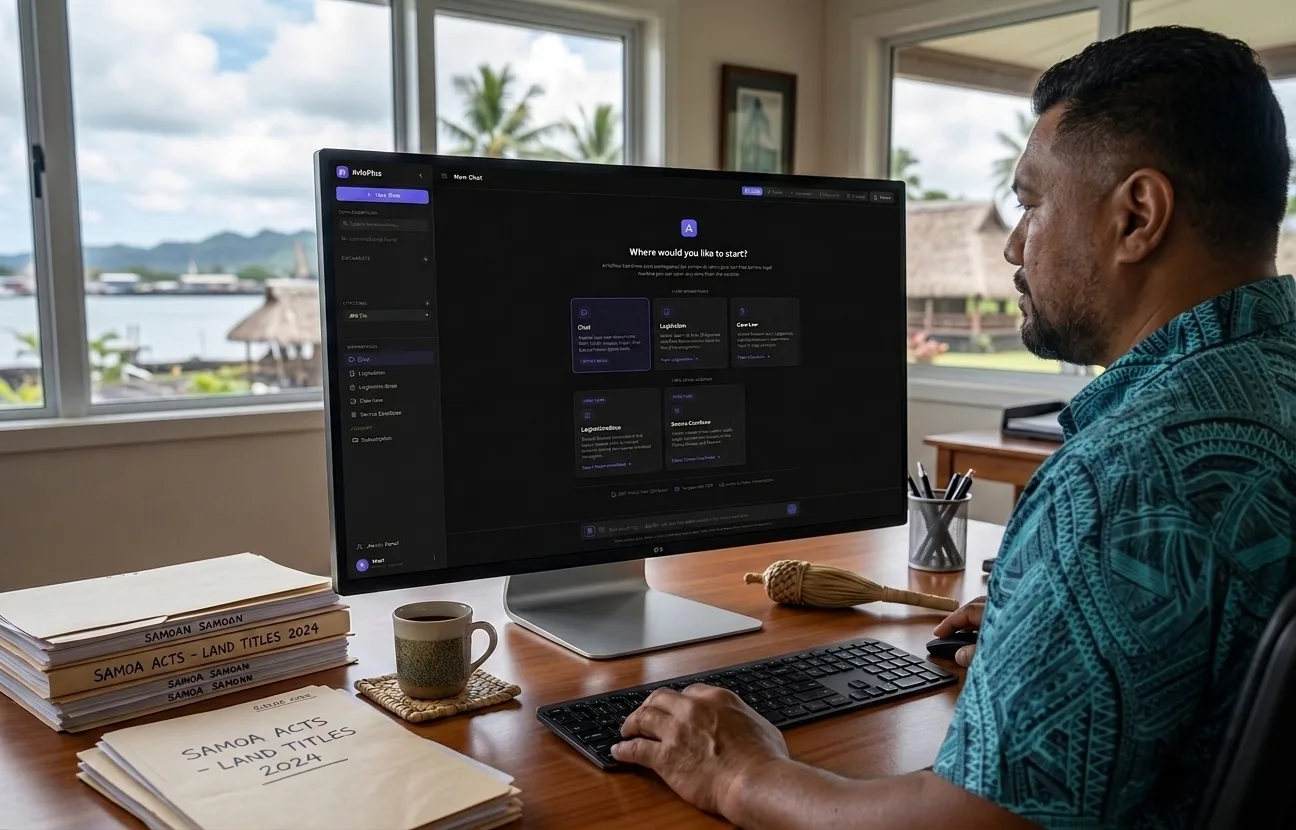
For ARLO+ users in Samoa and across the Pacific, these prompting principles are useful because they support better outcomes across many everyday tasks. A business can use them to draft cleaner proposals and customer messages. An educator can use them to create clearer lesson support. A student can use them to improve study notes and revision questions. A government team can use them to produce more structured public information. Home users can use them for planning, writing and general assistance.
The common thread is that good prompting is less about clever wording and more about good communication. Clear purpose, relevant context, well chosen examples and structured input all make it easier for an AI assistant to deliver useful work.
As Anthropic’s guidance shows, the most effective prompts are often the ones that remove ambiguity. For organisations and individuals looking to get more value from AI, that is a practical place to start.